

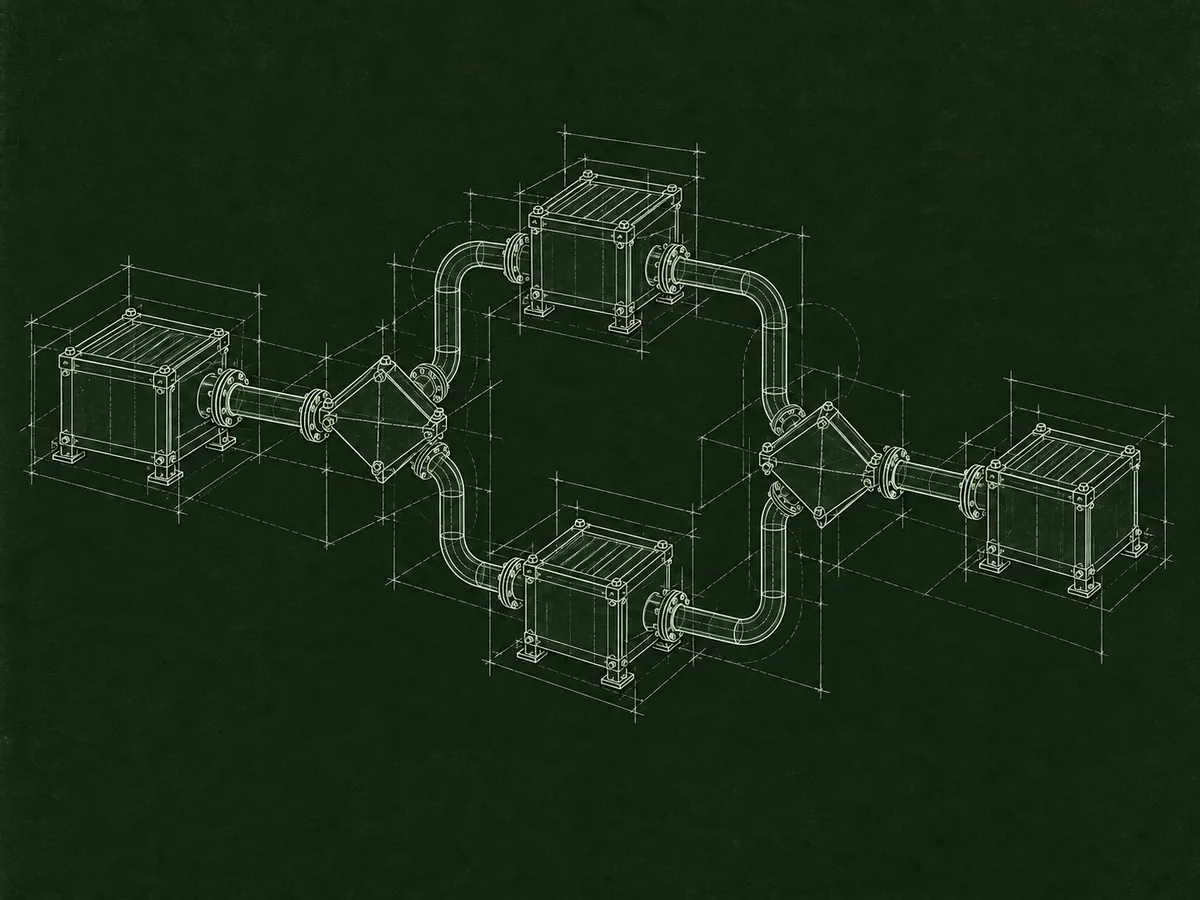
Processes / e-requests / alerts
enova365 workflow and automation.
I build document workflows, approval processes, employee e-requests, notifications and automated tasks that keep work organized.
> business event[OK]
> statuses and approvals[OK]
> notifications / tasks[READY]
> _
Problem and solution
A process tracked in emails and spreadsheets is hard to control.
When documents are approved by email and only one person knows a request’s status, deadlines are easy to miss and tasks can be done twice. enova365 workflow gives a process defined stages, responsibilities, transition rules and a record of actions.
I design document workflows, approvals, tasks and e-requests available through the Employee Portals. A process can respond to data, user roles and deadlines, generate system, email or SMS notifications, and run operations on a schedule.
I start automation by examining how the work actually happens. I focus on removing manual steps and making the process clear to users and the people who maintain it.
Scope of work
From a simple alert to a complete workflow.
A process can span enova365, the Employee Portals and external services.
- 01
Document workflows and approvals
Stages, statuses, responsibilities, substitutions, transition rules and a history of user decisions.
- 02
Employee e-requests
Forms and processes in the Employee Portals, including requests, approvals and transfer of data to the appropriate areas.
- 03
Email, SMS and notifications
Messages triggered by events or deadlines, sent to the right people with the context they need.
- 04
Schedules and automated tasks
Recurring tasks, deadline checks, data generation and operations that replace repetitive manual work.
How we work
From assessment to a controlled rollout.
- 01
Assessment
We map the current process, participants, decisions, exceptions and steps that create the most manual work.
- 02
Development
I build a process with clear statuses and rules, and users test it against realistic scenarios.
- 03
Verification
We enable notifications and automation, monitor the first runs and address unexpected exceptions.
Frequently asked questions
What to know before we start.
Can a workflow send email and SMS messages?
Yes. A process can prepare notifications based on an event, status or deadline. We choose the channel and message provider to fit your existing infrastructure.
Do you build e-requests in the Employee Portals?
Yes. I can prepare the form, validation, approval path, notifications and follow-up operations triggered by an approved request.
Can we start with one simple process?
Yes. A good starting point is a recurring, measurable process that takes too much user time. Once we see the result, we can expand to other workflows.

Let’s talk
Want to organize document or request approvals?
Describe who takes part, what decisions they make and the biggest problems with the current process. I’ll propose an initial scope for automation.
Discuss your process