

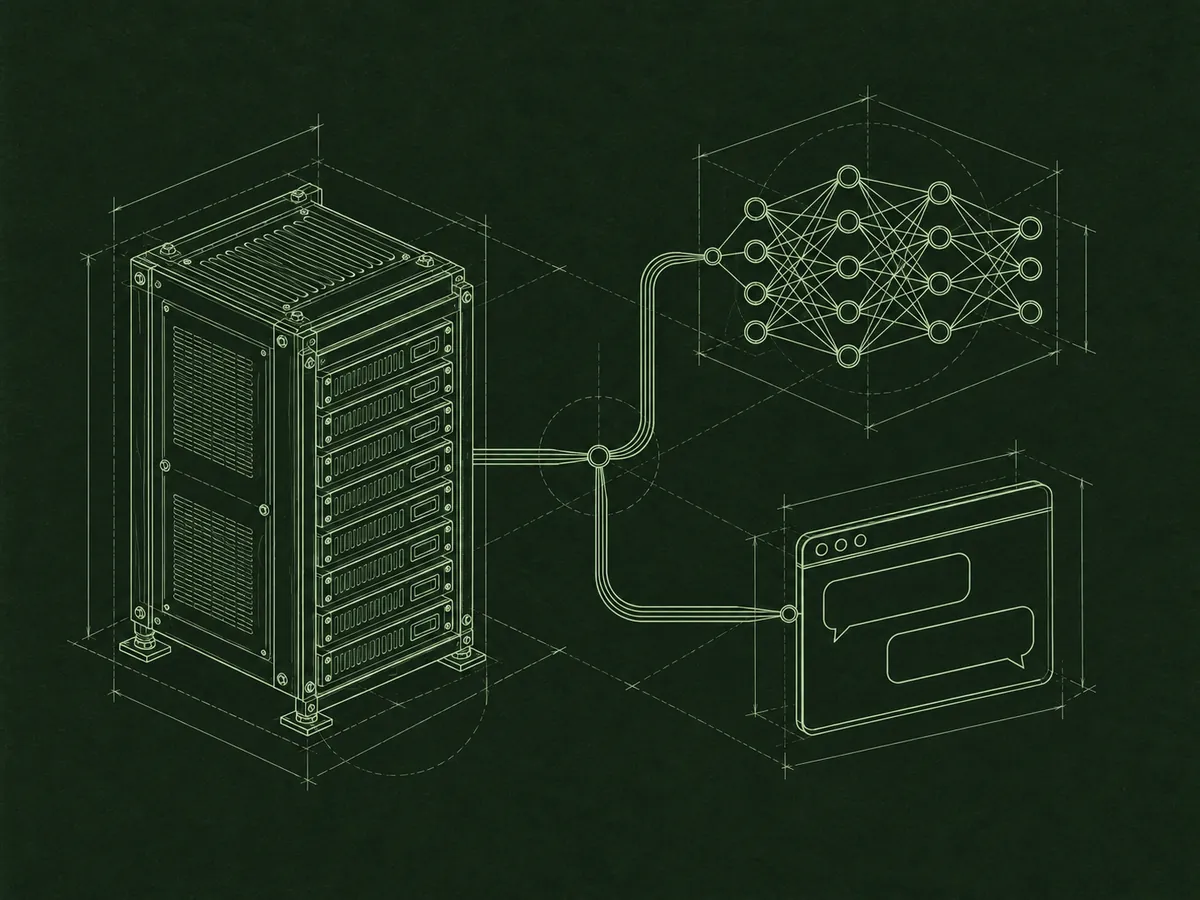
AI assistant / AI agents / MCP
AI in enova365 for everyday work.
Ask about data, request an analysis, or work through a procedure with an assistant. I’ll help you set up AI in enova365 for the way your company works.
> question in plain language[OK]
> relevant data and filters[OK]
> answer and summary[READY]
> _
Problem and solution
Less searching. More work with your data.
“Show me sales invoices for ABC from last quarter.” The enova365 AI assistant can find the right list, set filters, and answer in Polish. It also works with forms, calendars, and historical data.
In the chat panel, a company can use Claude, OpenAI models, or a model running on its own network. In the Soneta Frame app, users can work with enova365 through MCP in Claude Code, Codex, Gemini CLI, or GitHub Copilot CLI, using their own account with the tool provider.
AI requires enova365 2610 in the multi version, a license that includes the AI module, and the appropriate operator permissions. These features do not work in the desktop (Windows) version. Your implementation partner handles licensing; I handle technical configuration and the pilot.
Assistant capabilities
From a question to a specific action
The assistant navigates enova365, reads data, and helps complete tasks within the application.
- 01
Data questions
It finds the right list, sets filters, and answers questions asked in Polish.
- 02
Lists and forms
It opens records and documents, moves between tabs, and fills in fields. Saving a form requires user confirmation by default.
- 03
Calendars and history
It reads schedules, reservations, and work calendars. It can also check an object’s data as of a specified date.
- 04
Analysis and BI
It prepares summaries, totals, and groupings from lists, and reads BI models and reports.
- 05
Actions and procedures
It runs available application actions and follows a skill’s instructions to guide a process step by step.
- 06
Attachments and data exchange
It can read and add attachments, and import or export data when those operations are deliberately enabled.
Ready-made skills
An assistant that knows specific processes
Skills are instructions that guide the enova365 AI agent through specific tasks. I can also prepare custom scenarios for your company.
- 01
Payroll and checks
Payroll analyses run in read-only mode. A separate scenario checks whether a payroll run is ready using more than 300 rules.
- 02
HR and employee files
The assistant checks documents in a folder, matches them to employees, and presents a list for approval before import into the employee e-file (e-teczka).
- 03
Accounting and depreciation
It guides users through accruals and deferrals (RMK) and monthly depreciation. It also helps reconcile an account balance with settlements.
- 04
Sales and orders
It analyzes order generator results based on trends, seasonality, and sales history. An operator evaluates any proposed quantity adjustment.
- 05
BI and workflows
It helps create BI models, metrics, reports, and dashboards, as well as document workflows.
- 06
Using and extending enova365
Application skills support navigation, lists, and forms. A programming skill helps IT teams build add-ons with an AI tool on their workstation.
This description is based on enova365 2610.0.2, the first version with AI. The feature is under development, so later releases may offer additional capabilities.
Scope of work
AI implementation tailored to your company
As an independent enova365 developer, I handle the technical work, from configuration and custom tools to a pilot.
- 01
Assistant configuration
I’ll help select a model, set role-based access, and prepare assistant instructions for selected tasks.
- 02
Custom tools
I’ll build tools that let the assistant retrieve data needed for a process, such as a customer’s sales summary.
- 03
Company skills
I’ll prepare instructions for your company’s processes and assign them to selected assistants.
- 04
AI actions
I’ll add actions such as “Summarize,” “Shorten,” or “Check” to records and documents.
- 05
AI workstations
I’ll set up enova365 access through MCP in the Soneta Frame app, including with Claude Code and Codex. Each user uses their own account with the tool provider.
- 06
Model pilot
I’ll test selected scenarios in a test database with a cloud or local model. I’ll assess a local model on specific tasks and the chosen hardware.
Security and GDPR
Control over access and changes
AI use can be aligned with operator permissions and your company’s data policies.
- 01
User permissions
The assistant acts as the signed-in operator and sees only the data that person can access.
- 02
Role-based access
Roles define access to assistants, tool sets, and workstation AI.
- 03
Operation limits
Tool sets and skills can be disabled or restricted. Imports and write actions need special attention because they may save data immediately.
- 04
Form confirmation
By default, the user confirms a form before the change is saved in the application.
- 05
Action history
AI tool use appears in the enova365 change history, including who requested the action and when.
- 06
Model choice
A local model allows data to be processed on your own network. With a cloud model, you need to account for data read by the assistant being sent to the provider and put an appropriate data processing agreement in place.
How we work
How do we start?
- 01
Choose scenarios
We’ll identify a few tasks to test and check the version, license, and access requirements.
- 02
Pilot with data
I’ll configure a test environment, and we’ll measure response time and accuracy on selected cases.
- 03
Launch the solution
I’ll prepare the permissions, instructions, skills, tools, and AI actions needed for the selected processes.
Frequently asked questions
AI in enova365: common questions
Which model can the enova365 AI assistant use?
The chat panel can be configured with Claude, an OpenAI model, or a local model through Ollama, LM Studio, or a server compatible with the OpenAI API. It’s best to evaluate the choice against the tasks the assistant will perform.
How do I connect enova365 to Claude Code or Codex?
In the Soneta Frame app on Windows, a workstation AI tool can access enova365 data and instructions through MCP. Claude Code or Codex must be installed on the user’s computer, and each user works through their own account with the provider.
Does the assistant work in a browser?
The chat panel and AI actions work in a browser and in the Soneta Frame app. A local agent using Claude Code, Codex, Gemini CLI, or GitHub Copilot CLI requires the Soneta Frame app.
Which enova365 version do I need?
You need enova365 2610 in the multi version, a license that includes the AI module, and access to it in the operator’s role. AI features are unavailable in the desktop (Windows) version; your implementation partner handles licensing.
Will company data go to the cloud?
With a cloud model, data read by the assistant goes to the model provider, so you need a business plan and a data processing agreement. A local model can keep data on your company network; I’ll test its suitability for selected tasks during the pilot.
Can AI change data on its own?
Only to the extent you allow. A user confirms form saves by default. I enable write operations, such as imports and application actions, deliberately and limit them to what each process requires. Every AI action appears in the change history.
Can we add custom skills?
Yes. I’ll prepare instructions for your company’s processes and assign them to selected assistants.
Where should we start with AI in enova365?
Start with a few specific tasks that can be tested in a test database. A pilot will show how the selected model handles your company’s data and procedures.
Related services
Explore more.

Let’s talk
Test AI on tasks from your enova365
Tell me where your team most often searches for data, checks documents, or repeats procedures. I’ll propose pilot scenarios and build the technical solution.
Discuss an AI pilot