

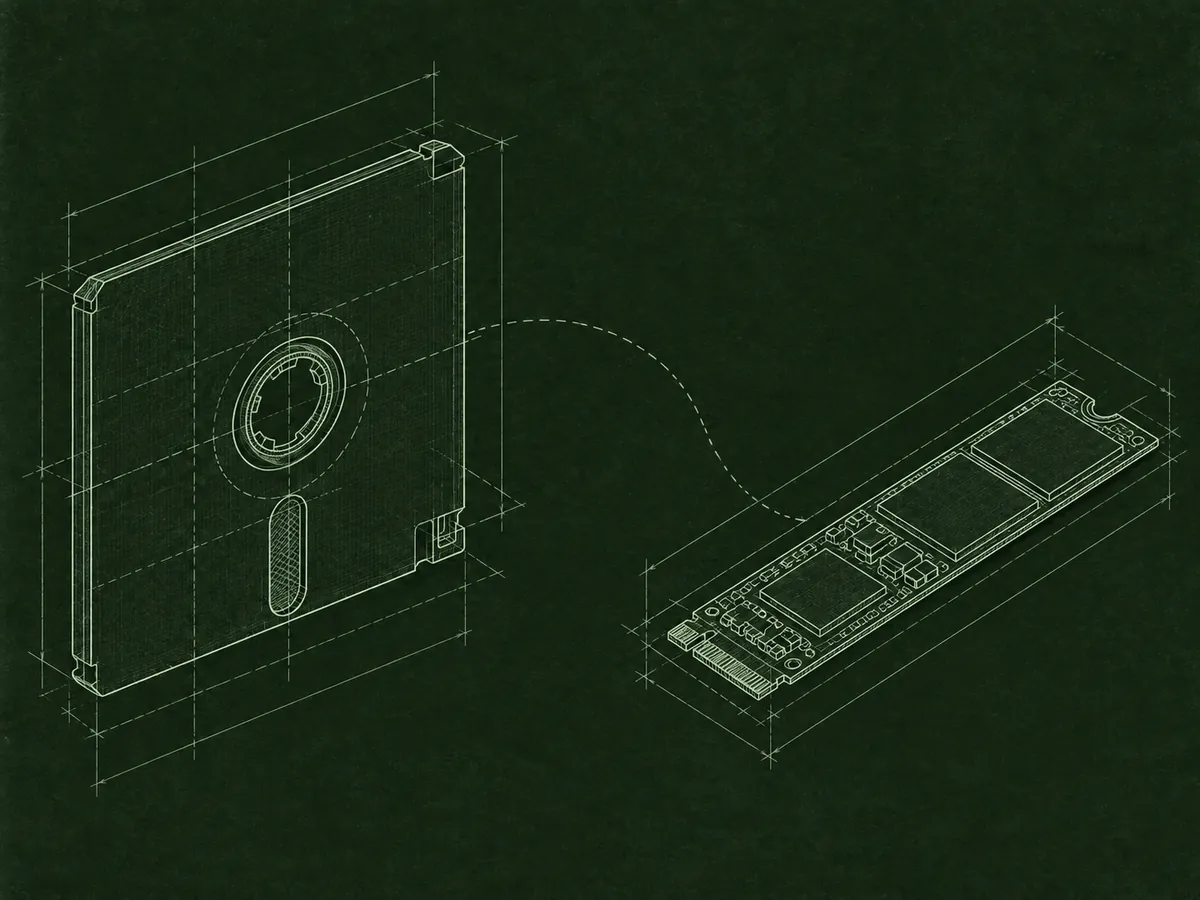
New enova365 and .NET versions
enova365 add-on modernization.
I move existing extensions, DLL libraries, and modules to current enova365 versions and a modern .NET platform, with risk assessment and a plan for future development.
> code and dependency review[OK]
> API / .NET migration[OK]
> testing and deployment[READY]
> _
Problem and solution
An old add-on does not have to block a system update.
Extensions built for earlier enova365 releases often rely on changed APIs, outdated libraries, or technology that is no longer practical to maintain. The result can be errors after an update, build failures, difficult deployments, and rising costs for each subsequent change.
I start by reviewing the code, dependencies, and features that matter to users. Then I define the migration scope, adapt the solution to the current enova365 API and .NET 10 or a newer environment, and verify the add-on in a test database.
The goal goes beyond recompiling a DLL library. I address areas that increase risk, separate responsibilities, and prepare the code for more predictable updates and development.
Scope of work
What does add-on modernization include?
I tailor the scope to the solution, from a single library to a set of modules connected to external systems.
- 01
Code and compatibility audit
A review of the project, Soneta library versions, external dependencies, configuration, and code that uses changed APIs.
- 02
Migration to modern .NET
Updates to the project structure, NuGet dependencies, C# code, and build process for .NET 10 and later versions.
- 03
Refactoring and stabilization
Improvements to critical code, error handling, logging, transactions, and integrations that make maintenance difficult.
- 04
Testing and deployment plan
Feature verification in a test environment, a change list, package preparation, and a safe sequence for updating production.
How we work
From diagnosis to a safe deployment.
- 01
Discovery
You provide the source code, your enova365 version, and a description of the add-on’s most important features.
- 02
Development
I update the project in stages, report issues, and agree with you on any changes to how it works.
- 03
Verification
We test key scenarios and prepare the deployment, with the option of ongoing maintenance.
Frequently asked questions
Good to know before we start.
Can you modernize an add-on without full documentation?
Yes. The source code, a working older version, and users’ knowledge can provide a starting point. I first reconstruct the features and dependencies, then plan the migration.
Is a DLL file alone enough?
Source code is best because it makes analysis easier and speeds up modernization. If you only have a DLL file, I can still take on the project: I’ll analyze how the existing add-on works and recreate its features and behavior in a new solution compatible with the current enova365 version and .NET. In that case, I would rebuild the add-on rather than update the old code directly.
Can you maintain the solution after migration?
Yes. Modernization can end with a one-time deployment or continue as an ongoing engagement covering updates and development.
Related services
Explore more.
Let’s talk
Is an add-on blocking your next update?
Tell me which enova365 version you use, what technology the project uses, and what the extension does. I’ll follow up with the questions needed to assess modernization.
Discuss modernization